





What's New — April 2026
400+ training lessons, two new topics, seven developer tools, SVG Designer, AI Data Access, SSL certificate management, infinite canvas, and more — everything shipped in April 2026.
A big month. Here is everything that shipped in April 2026.
400+ Training Lessons — Now Across 8 Topics
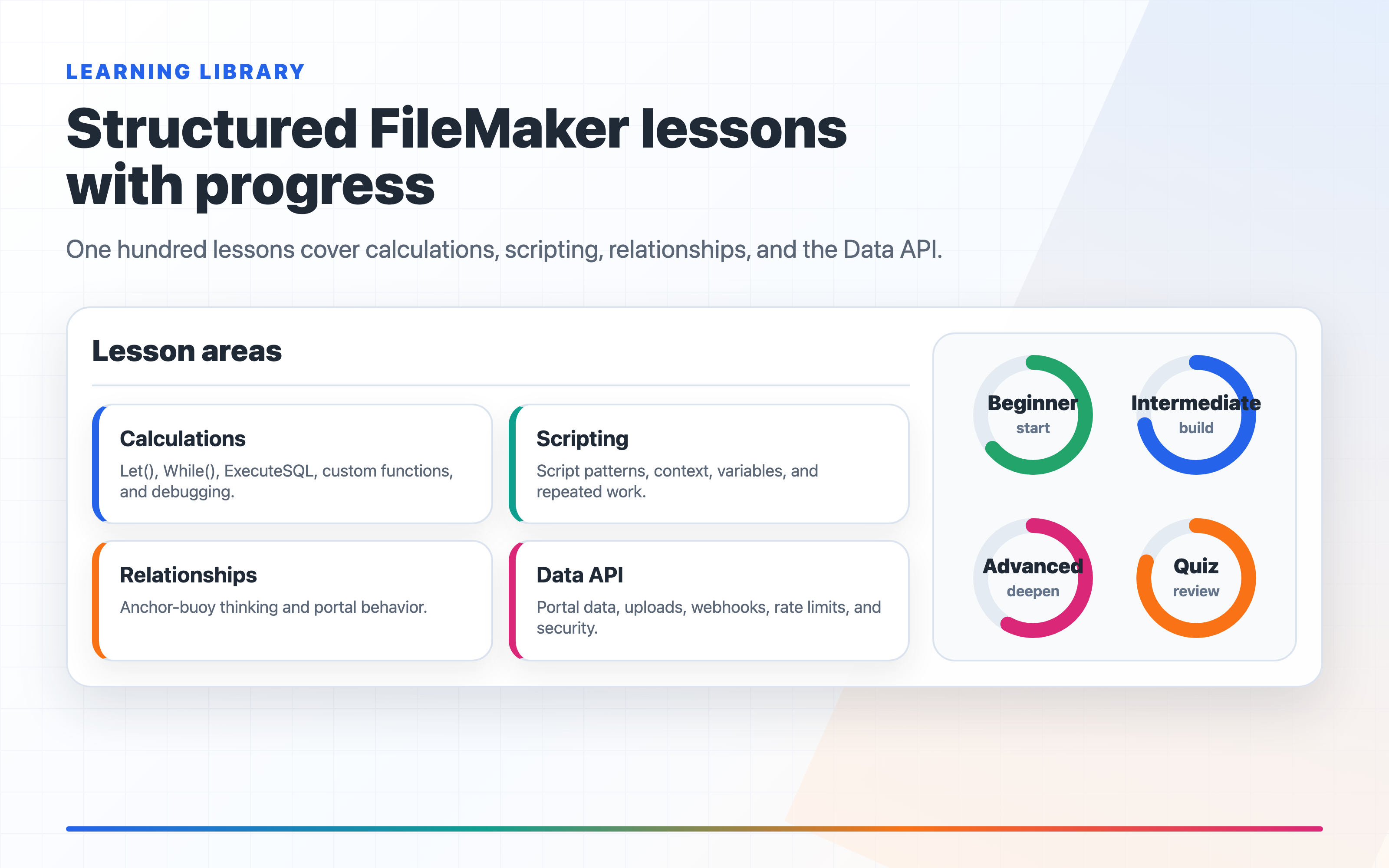
The training library at /learn just got its biggest expansion yet. Over 200 new lessons are live, and the library now covers eight topics with more than 400 lessons total.
Two new topics
Security (40 lessons) — FileMaker security is one of the most under-documented areas of the platform. This topic covers it end to end: privilege sets, account types, extended privileges, and record-level access through to encryption at rest, SSL/TLS configuration, audit logging, password policies, OAuth and SAML authentication, API security, SQL injection prevention, GDPR compliance, penetration testing, and a complete security audit checklist.
OData & Custom App API (20 lessons) — Query FileMaker data using standard HTTP with no custom code required. Covers authentication and the fmrest extended privilege, $filter, $select, $orderby, and $expand for related records, live connections from Power BI and Tableau, batch operations, error handling, performance patterns, and calling FileMaker scripts via the Custom App API.
FileMaker Server expanded (20 new lessons)
The Server topic now covers the full hosting stack:
- WebDirect — enabling and licensing, performance optimization, mobile-responsive layouts, session timeouts, and troubleshooting
- SSL and Let's Encrypt — certificate lifecycle, automated renewal, and the gap Claris left: FM Server cannot restart itself after a cert renewal. FM Dojo fills this automatically.
- Authentication methods — local accounts deep dive, Active Directory and LDAP integration, Claris ID and FileMaker Cloud, and WebDirect-specific auth flows
- Admin API, scheduled scripts, and backup strategy
30 new lessons in each existing topic
Every existing topic now runs deeper into advanced and expert territory:
- Scripting — variable scoping (
$localvs$$global), PSOS parameters, recursive scripts, exit script patterns, modular script libraries, error recovery, debugging techniques - Calculations —
While(), advancedExecuteSQL, custom function recursion, compound keys,GetNthRecord, calc performance, and debugging - Data API — portal data, file upload, Node.js and Python integration, webhook patterns, API gateway design, rate limiting, and security hardening
- Relationships — anchor-buoy method, many-to-many with attributes, self-referential hierarchies, dynamic keys, cross-file lookups, and multi-tenant data models
- Layouts — virtual list technique, card window patterns, sub-summary reports, printing and PDF, nested popovers, and layout performance
Tools — Seven Utilities for FileMaker Developers
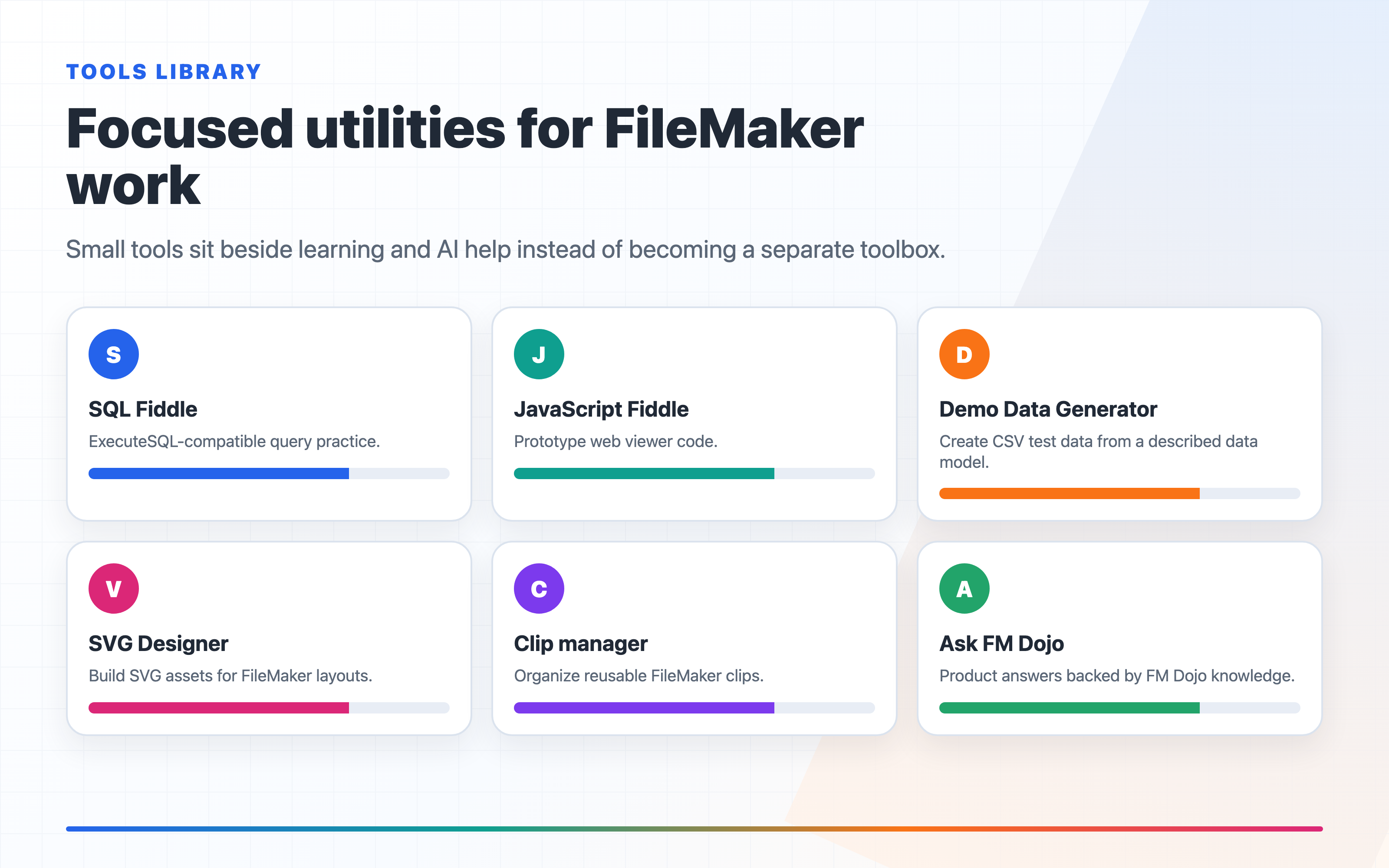
The Tools section now has seven standalone utilities. No connection required — open one and use it.
Barcode Generator — Generate QR codes, Code 128, EAN-13, DataMatrix, PDF417, and more. Export as FileMaker XML to paste directly into Script Workspace.
Base64 Encoder / Decoder — Encode plain text or any file to Base64, or decode a Base64 string back. One-click FM XML export wraps the result in a Set Variable or Insert from URL step.
Demo Data Generator — Describe any FileMaker data model in plain English — tables, fields, relationships, record counts — and download realistic CSV files. One ZIP with one CSV per table, ready to import. Faster and more realistic than building test data by hand.
FM URL Builder — Construct fmp:// links visually. Choose an action (open file, run script, navigate to record, go to layout), fill in the parameters, and copy the finished URL. Takes the guesswork out of the syntax.
Value List Toolkit — Paste a pilcrow-delimited list and sort, deduplicate, number, prefix, or transform it. Copy as FM XML to paste into a custom value list definition, or as plain text.
Icon Picker — Browse Unicode symbols filtered for FileMaker use — arrows, checkmarks, geometric shapes, currency symbols, and more. Click to copy the character or export as FM XML.
Privilege Set Planner — Map out table-level access — records, layouts, scripts, and value lists — in a spreadsheet-like grid. Share a link with a client so they can fill in the access levels themselves. Export a plain-text summary when done.
SVG Designer — Generate FileMaker Icons from Text or a Sketch
Describe any icon and FM Dojo generates a clean, scalable SVG sized and optimized for FileMaker button bars and navigation elements. Preview at 16, 24, and 36 px on light and dark backgrounds before committing.
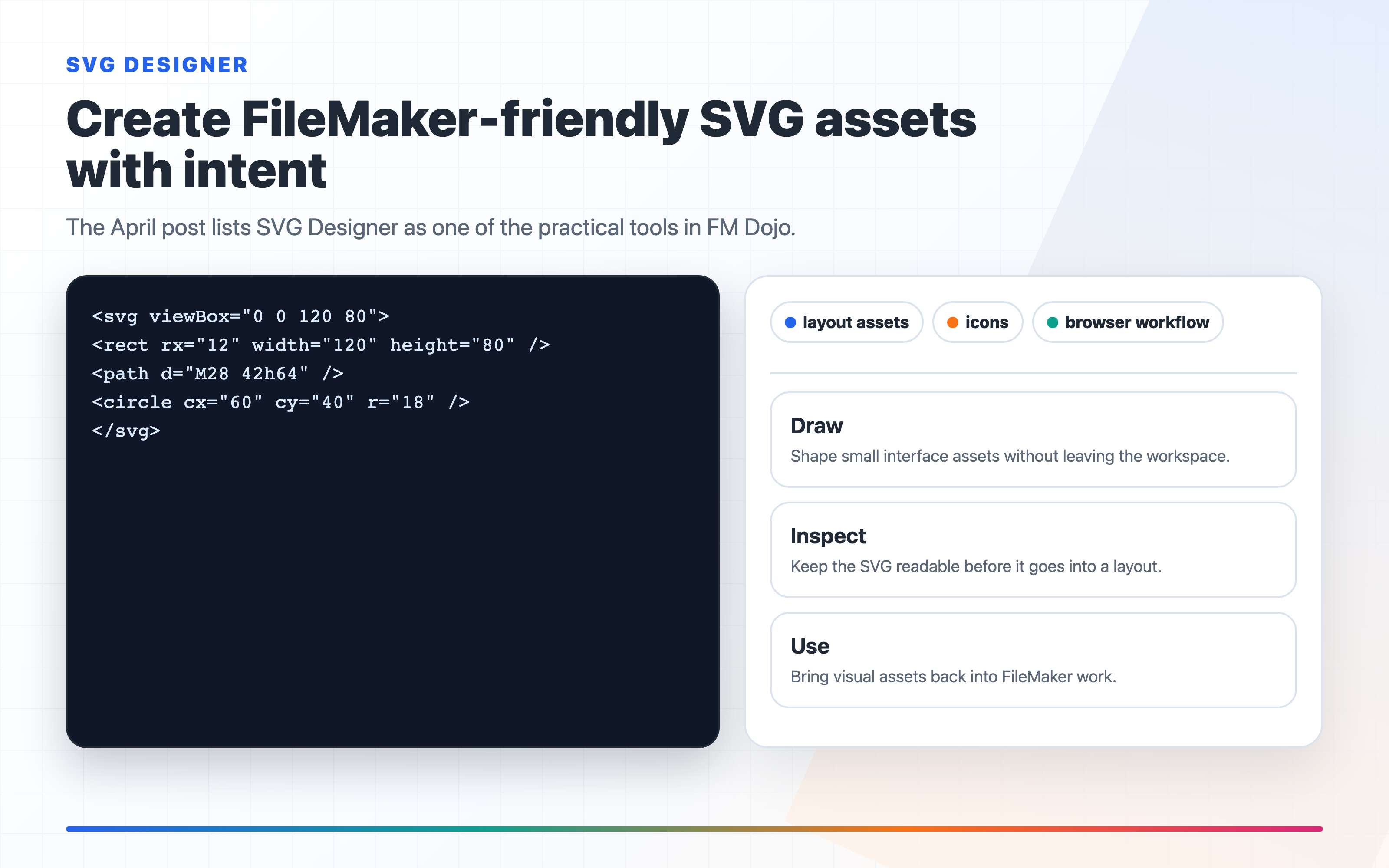
- Sketch a reference — draw a rough shape on the built-in canvas and the AI uses it alongside your description
- Upload a photo — use any existing image as a visual reference
- Search 200,000+ icons — browse the Iconify library and save favorites to your collection
- Prep for FileMaker — one click strips inline colors and applies
currentColorso the icon responds to FileMaker button states
SVG Designer is under the Design menu.
AI Data Access — Ask Claude About Your Live FileMaker Data
Connect Claude Desktop, Cursor, and any MCP-compatible AI tool directly to your FileMaker databases. Ask questions in plain English. Get answers from real, live data — no exports, no API wrangling.
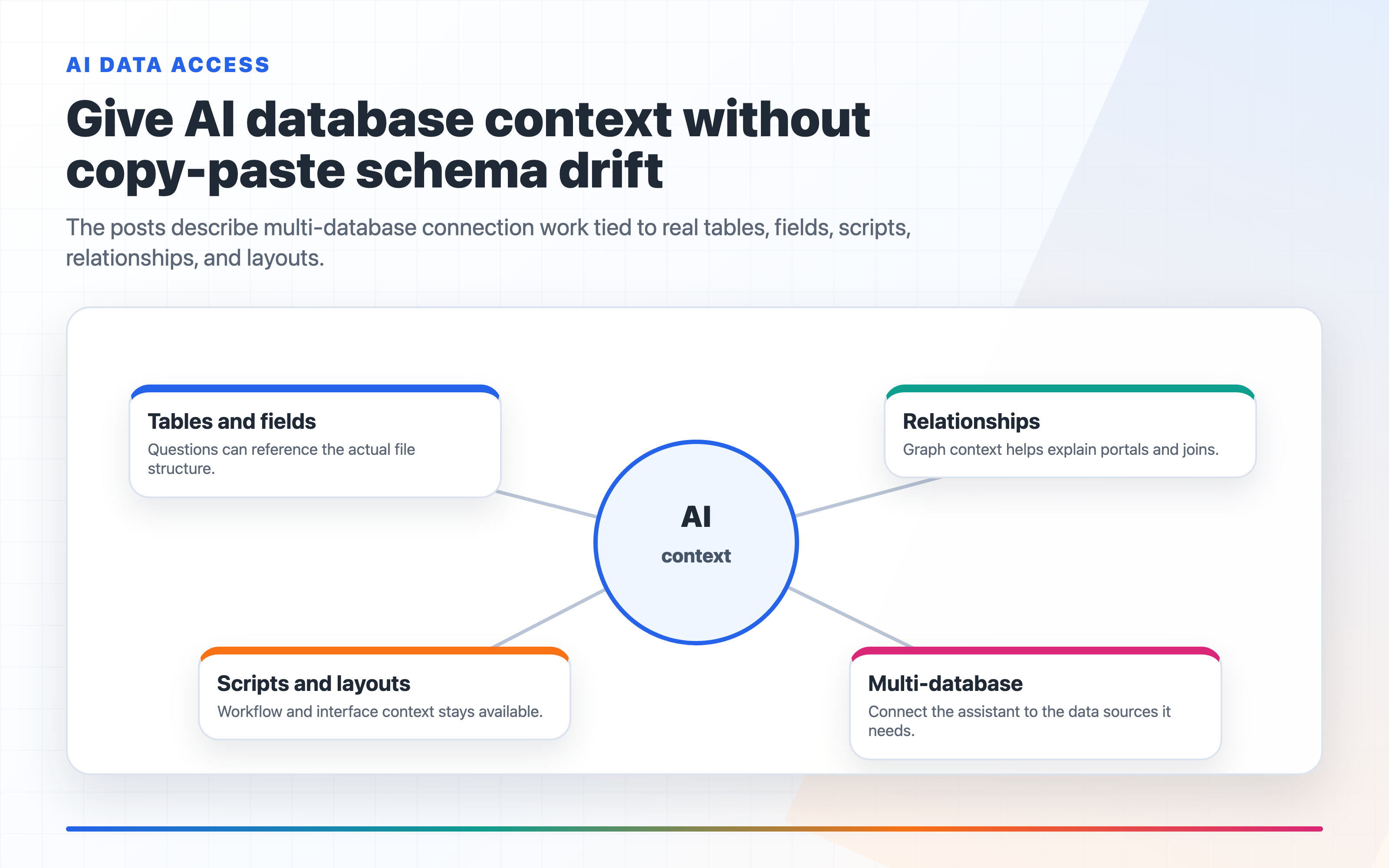
Go to Connections → AI Data Access and generate a token for the databases you want to connect. FM Dojo gives you the exact connector URL or config snippet to paste into your AI tool. The AI already knows your table names, field names, and layouts — ask across multiple databases in a single conversation. Your FileMaker credentials never touch a config file.
SSL Certificate Management in FMS Admin
The SSL tab in FMS Admin handles the full certificate lifecycle without leaving your browser:
- View the active certificate — issuer, expiry date, and whether it is self-signed, color-coded by how much runway you have
- Generate a CSR — fill in your organization details and FM Dojo builds the Certificate Signing Request on the server; the private key never leaves
- Import a signed certificate — upload the cert, private key, intermediate chain, and optional key password; FM Server installs everything and restarts automatically
- Delete — remove the current certificate cleanly from the Danger Zone when you need to start fresh
One gap Claris left: FM Server cannot restart itself after a Let's Encrypt certificate renews. The certificate updates but the server keeps serving the old one until you restart manually — which defeats automated renewal entirely. FM Dojo fills this gap: after a cert is imported (whether Let's Encrypt or a CA-signed cert), FM Server restarts automatically so the new certificate takes effect immediately.
Layout Designer — Infinite Canvas
The Layout Designer canvas is now infinite. Scroll, zoom, or pinch out as far as you need — no boundary. Cmd+= and Cmd+− zoom in and out; Cmd+0 snaps back to 100%. The zoom level sits in the toolbar so you always know where you are.
Multi-element drag works the way you would expect: drag a marquee to select a group, then drag the group anywhere. Hold Space and drag to pan — same muscle memory as Figma.
Custom Chat Instructions
If you have been starting every AI Chat conversation with the same context — your project name, naming conventions, how you like scripts structured — you can stop doing that. Go to Account → AI Preferences → Custom Chat instructions and set it once. That text gets injected into every conversation automatically.
FM Script Autocomplete in the Code Editor
The FM Script mode in the Code Editor now has full autocomplete for every script step:
- Multi-word matching — type any part of a step name including spaces, or use acronyms.
psosmatches Perform Script on Server;gtlmatches Go to Layout. - Tab stop navigation — accepting a completion inserts the full step with its parameters as tab stops. Tab moves to the next parameter; Shift-Tab goes back.
- Parameter choice dropdown — when your cursor is inside a parameter that has slash-separated options, a dropdown shows all valid choices.
All of the above is live now. Start at fmdojo.com/learn for the training expansion, fmdojo.com/tools for the utilities, or open any feature from the sidebar.