





The Control Room Release
Server Deploy, For Beginners, shared Database Authorizations, multi-database AI Data Access, GPT-5.5, Status, Forum, Mac and Windows plug-in XML clipboard bridge updates, a FileMaker calculation evaluator, and stricter Code Chat answers.
This release is about tightening the loop between FileMaker Server, FileMaker Pro, and the AI tools people are already using.
The headline: Server Deploy is live for paid accounts, For Beginners gives new FileMaker developers a practical first-project path, Database Authorizations are centralized, AI Data Access can expose multiple databases through one connector, AI Chat now uses GPT-5.5 with response speed controls, the FMDojo plug-in now has Mac and Windows builds, and there are new Status and Forum homes for support visibility.
Here is what changed.
Server Deploy — Move Files Between Servers
Server Deploy promotes FileMaker files between environments: development to test, test to production, or production back to development.
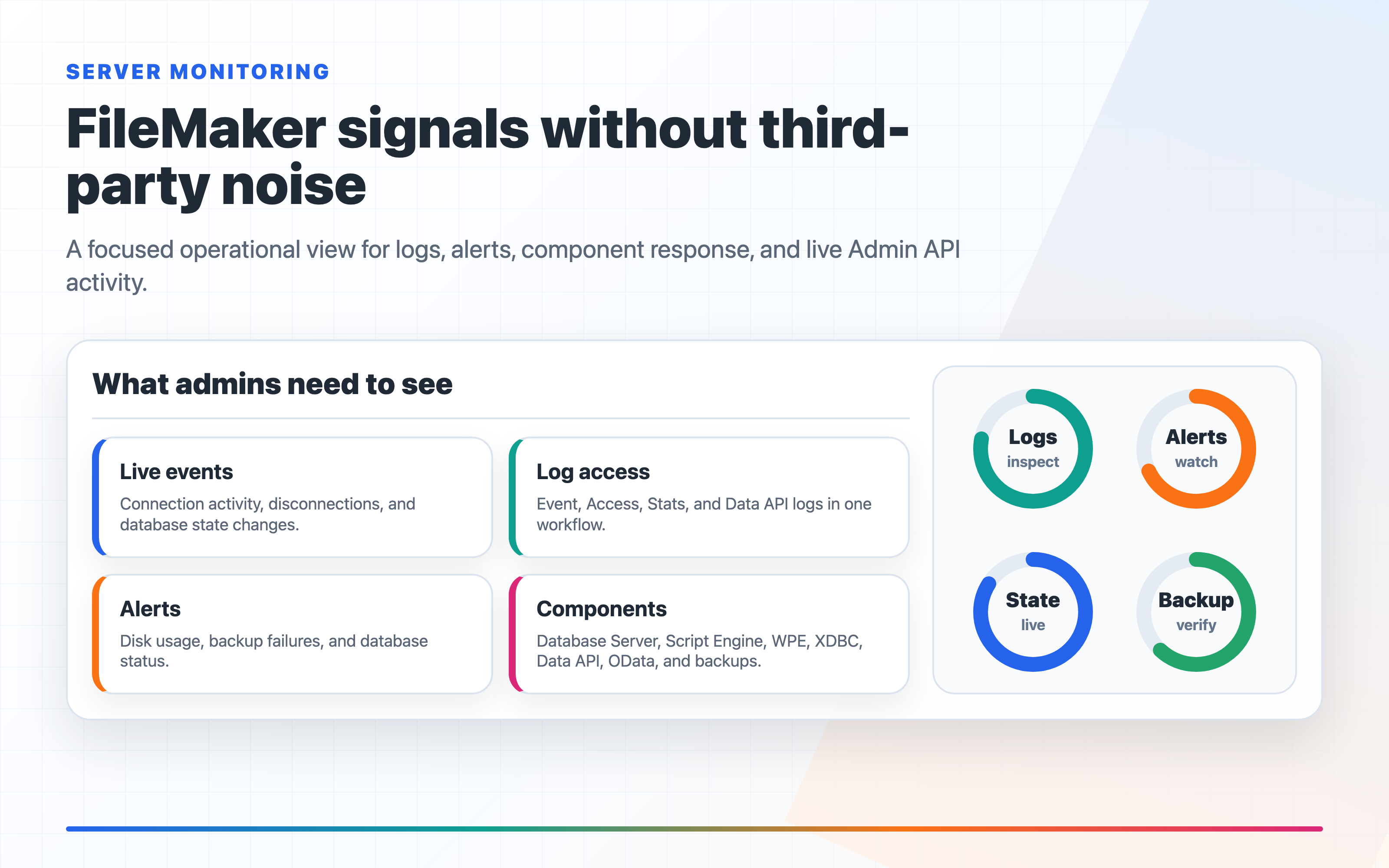
For promotion runs, Server Deploy uses FileMaker Data Migration Tool so the target keeps its live data while receiving the source schema. For production-to-development refreshes, it can replace the target with a full source backup. Plans can include multiple files, run preflight checks, stop on a failed file, and keep a full run history.
This is the FileMaker deployment workflow we have wanted for a long time: choose the source server, choose the target server, select the files, test the plan, run it, and watch the log in real time.
It also works from mobile. That matters when a deployment finishes after you have stepped away from your desk.
For Beginners — A Practical First FileMaker Path
There is also a new For Beginners page for people who are just starting FileMaker development.
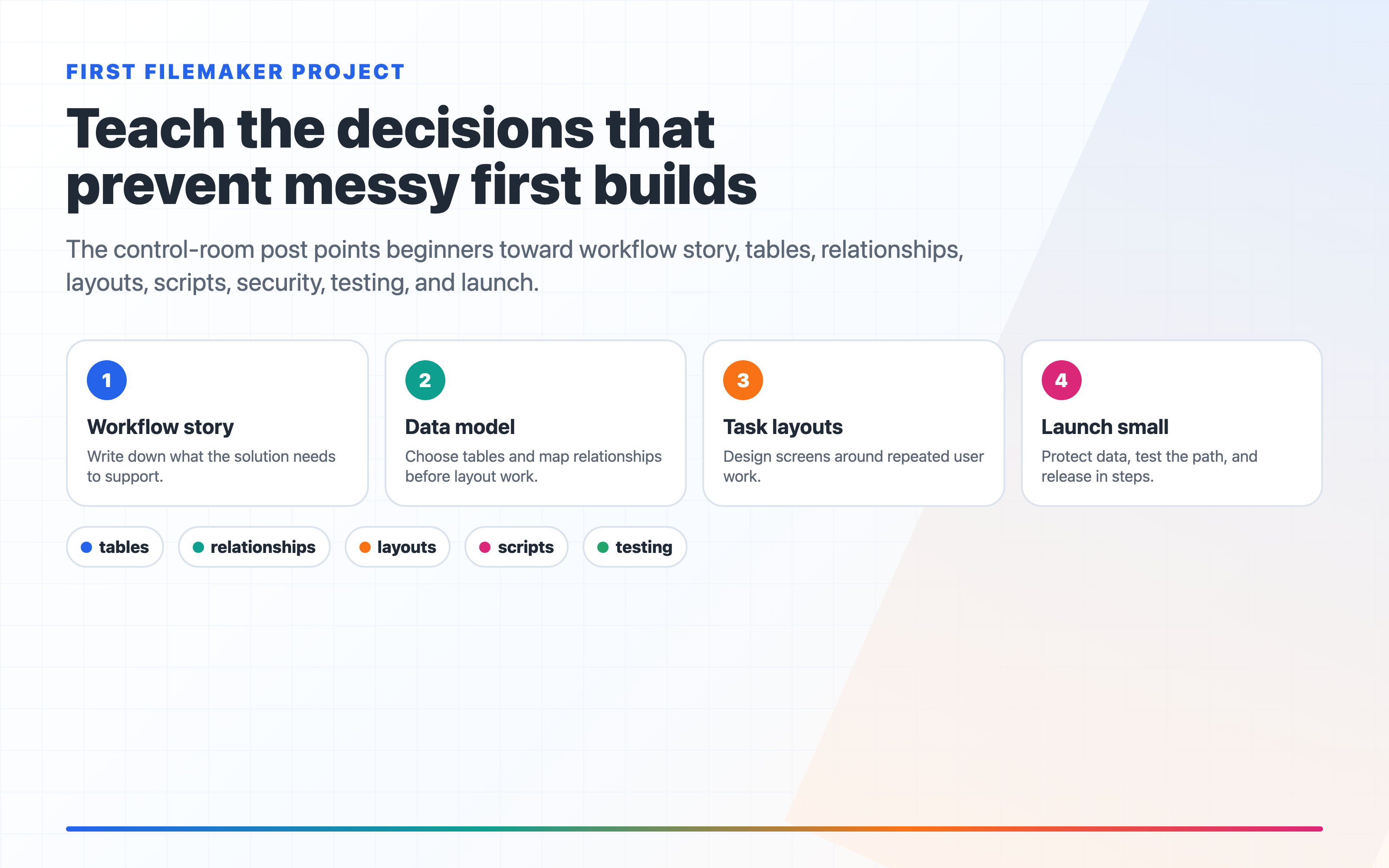
It walks through the first-project decisions that matter: writing the workflow story, choosing tables, mapping relationships, designing task-focused layouts, scripting repeated work, protecting data, testing, and launching small.
If you know someone who has just started building in FileMaker, please send them this page. It should save them a few wrong turns, and save you a few "why did my relationship do that?" debugging sessions. ;-)
Database Authorizations — One Place for File Access
FileMaker credentials used to live inside the feature that needed them. That worked, but it created the usual mess: one set of credentials for AI Data Access, another for Builder, another for deployments, another for a Flow.
Database Authorizations fixes that. Add a FileMaker database once, test the credentials, and reuse that authorization anywhere FM Dojo needs access.
The page also shows where each authorization is being used: AI Data Access tokens, Projects, Builder OData, FM Router, FM Deploy, Server Deploy, and FileMaker-backed Flows. If access needs to be removed, you can revoke it from one place instead of hunting through every feature.
Manage Database Authorizations
AI Data Access — Multiple Databases, One Connector
AI Data Access now supports multiple FileMaker databases on a single token.
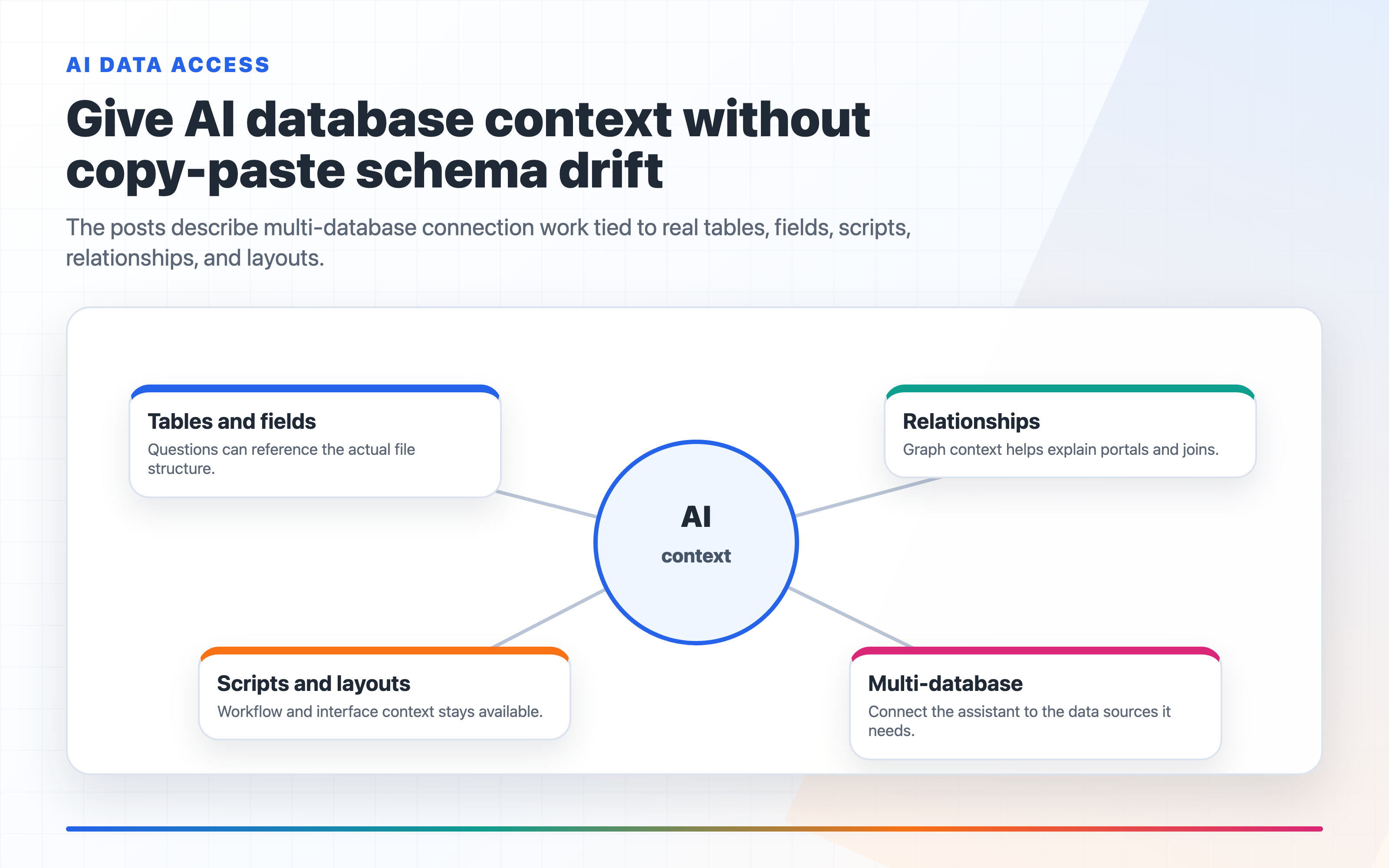
That is especially useful for Claude, Cursor, Zed, Continue.dev, and other MCP clients where you want one connector to represent a real business system instead of one isolated file. Create a token, select the databases it should expose, and FM Dojo gives you one connector URL or config snippet.
The AI can list the databases available to that token, then query the right one with the same FileMaker-aware context it already had for single-database access.
AI Chat — GPT-5.5 and Response Speed
AI Chat now runs on GPT-5.5.
There is also a new response speed selector in Account → AI Preferences. Choose Fast, Balanced, or Thorough for future chat messages. All three modes use GPT-5.5; the setting controls how much time the assistant spends thinking before it answers.
The current model is now shown in the Guide and in Account → AI Preferences so you do not have to guess what is behind the chat.
Status
There is now a public Status page for FM Dojo AI features and the upstream OpenAI services they depend on.
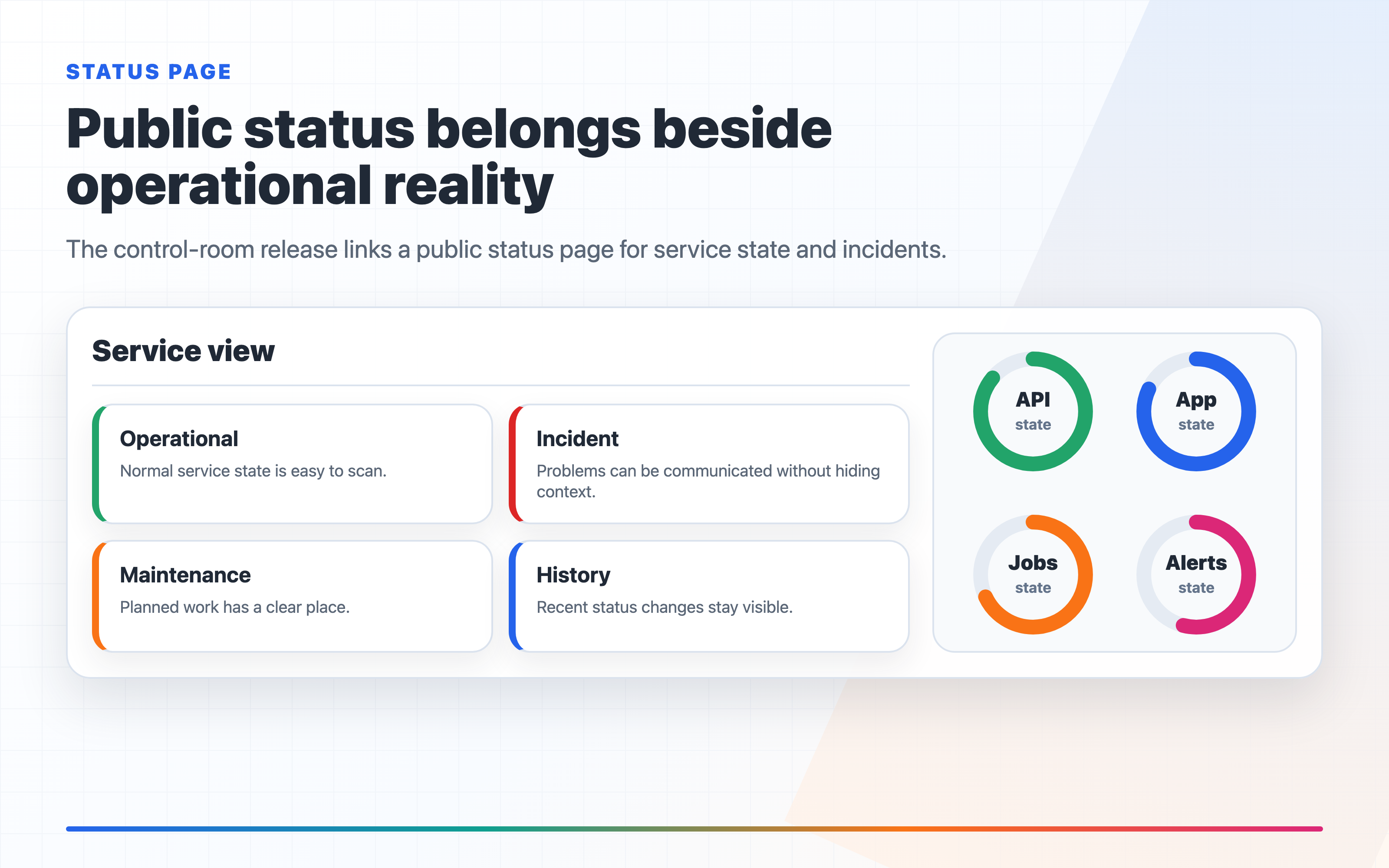
Use it to check whether AI features are operational, review recent incidents, see scheduled OpenAI maintenance, and scan the 24-hour uptime history. The page refreshes automatically and can be refreshed manually when you are troubleshooting.
Forum
We also have a community forum at fmdojo.discourse.group. Use it for product questions, bug reports, feature discussion, FileMaker workflow help, and sharing what you build with FM Dojo.
Code Editor — FileMaker Calculation Evaluator
The Code Editor now includes a FileMaker Calculation Evaluator.
Use it to test calculations against pasted JSON, XML, plain text, fields, and variables. The evaluator includes a capabilities panel that lists supported functions alphabetically, and the panel can be opened or closed while you are testing.
There is also a specific fix for FileMaker JSON calculations. Snippets like JSONSetElement(...) and JSONGetElement(...) are now validated as FileMaker calculations instead of being treated as invalid raw JSON.
FMDojo Plug-in Clipboard Bridge
The FMDojo plug-in clipboard bridge now sends XML directly between FMDojo and FileMaker on both macOS and Windows.
The Mac plug-in can be downloaded from /Code or from the LiveConnect pop-up under /Snapshots. The Windows plug-in is available from the same places.
Export XML queues the native FileMaker clipboard payload through the plug-in before falling back to helper files. Get XML also detects scripts, script steps, layout objects, fields, tables, custom functions, and value lists automatically.
LiveConnect file selection now prefers visible FileMaker windows first, which avoids hidden auxiliary files in the picker.
Code Chat — Stricter FileMaker Answers
Code Chat now runs stricter internal checks before showing FileMaker calculation answers.
The goal is simple: if the AI gives you a calculation, it should preserve the working extraction logic you already had, return the kind of result you asked for, and catch obvious shape mistakes before you see them.
This is especially important for JSON and formatting work, where a technically valid calculation can still be wrong because it returns the first array element instead of the array, drops trailing zeroes, or wraps the right expression in the wrong transformation.
Small But Important Direction
The theme across these releases is consolidation.
Server Deploy connects FileMaker Server environments. For Beginners gives new developers a steadier start. Database Authorizations connect all FileMaker access through one control surface. AI Data Access connects multiple databases through one AI connector. Status and the Forum make support and community more visible. Code Chat and the evaluator make FileMaker code work less like a generic text problem and more like FileMaker.
That is where FM Dojo is heading: fewer disconnected tools, more complete workflows.
See the full release list in the changelog.